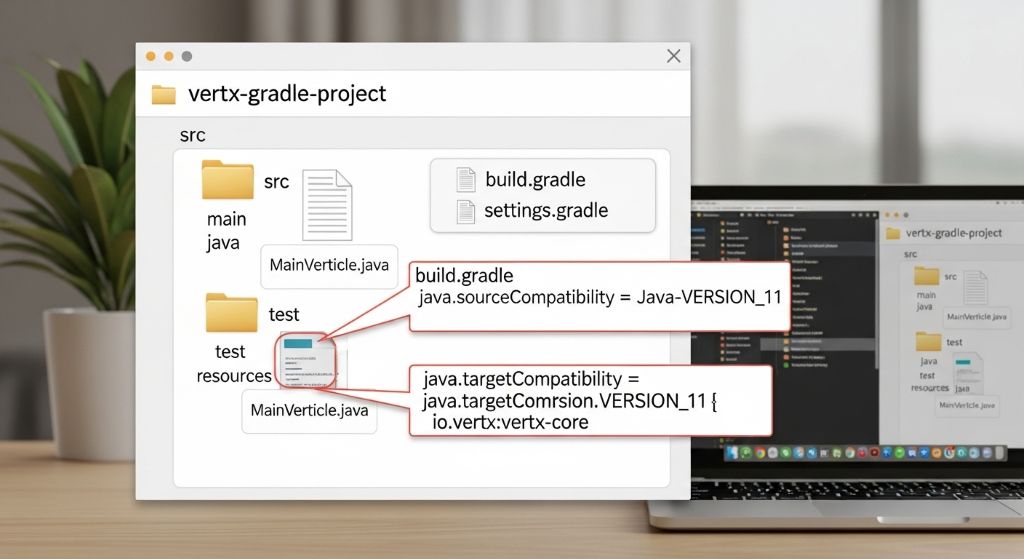
Vert.x Java 11 + Gradle 프로젝트 생성 방법
1. 사전 준비
-
JDK 11 설치
-
Gradle 설치 (또는 IDE의 Gradle Wrapper 사용)
-
IDE (Eclipse, IntelliJ IDEA) 설치
2. 프로젝트 생성
방법 1: Vert.x Starter 사용 (가장 쉬운 방법)
-
Vert.x 버전 선택 (예: 4.x)
-
Language: Java 선택
-
Build Tool: Gradle 선택
-
Java Version: 11 선택
-
필요한 의존성 선택
-
Generate Project 클릭 후 다운로드
-
압축 해제 후 IDE에서 열기
방법 2: 직접 생성
-
IDE에서 새 Gradle Java 프로젝트 생성
-
build.gradle파일 작성
3. build.gradle 설정
plugins {

    id 'java'

    id 'application'

    id 'com.github.johnrengelman.shadow' version '7.1.2'  // Fat JAR 생성용

}
group = 'com.example'

version = '1.0.0-SNAPSHOT'
// Java 11 설정

java {

    sourceCompatibility = JavaVersion.VERSION_11

    targetCompatibility = JavaVersion.VERSION_11

}
repositories {

    mavenCentral()

}
ext {

    vertxVersion = '4.3.8'  // 최신 버전으로 변경 가능

}
dependencies {

    // Vert.x Core

    implementation "io.vertx:vertx-core:${vertxVersion}"
    // 필요한 추가 Vert.x 모듈

    implementation "io.vertx:vertx-web:${vertxVersion}"
    // 테스트 의존성

    testImplementation "io.vertx:vertx-junit5:${vertxVersion}"

    testImplementation 'org.junit.jupiter:junit-jupiter-api:5.9.0'

    testRuntimeOnly 'org.junit.jupiter:junit-jupiter-engine:5.9.0'

}
application {

    mainClassName = 'io.vertx.core.Launcher'

}
// Verticle 실행 설정

def mainVerticleName = 'com.example.MainVerticle'
run {

    args = ['run', mainVerticleName]

}
// Fat JAR 생성 설정

shadowJar {

    archiveClassifier.set('fat')

    manifest {

        attributes 'Main-Verticle': mainVerticleName

        attributes 'Main-Class': 'io.vertx.core.Launcher'

    }

    mergeServiceFiles()

}
test {

    useJUnitPlatform()

}
4. MainVerticle 작성
src/main/java/com/example/MainVerticle.java:
package com.example;
import io.vertx.core.AbstractVerticle;

import io.vertx.core.Promise;
public class MainVerticle extends AbstractVerticle {
    @Override

    public void start(Promise<Void> startPromise) throws Exception {

        vertx.createHttpServer()

            .requestHandler(req -> {

                req.response()

                    .putHeader("content-type", "text/plain")

                    .end("Hello from Vert.x!");

            })

            .listen(8888, http -> {

                if (http.succeeded()) {

                    startPromise.complete();

                    System.out.println("HTTP server started on port 8888");

                } else {

                    startPromise.fail(http.cause());

                }

            });

    }

}
5. 프로젝트 실행
실행 방법:
# 개발 중 실행

./gradlew run
# Fat JAR 빌드

./gradlew shadowJar
# Fat JAR 실행

java -jar build/libs/your-project-1.0.0-SNAPSHOT-fat.jar
요약 테이블
| 단계 | 작업 내용 |
|---|---|
| 1 | JDK 11 설치 및 환경 설정 |
| 2 | start.vertx.io에서 Gradle 프로젝트 생성 또는 직접 생성 |
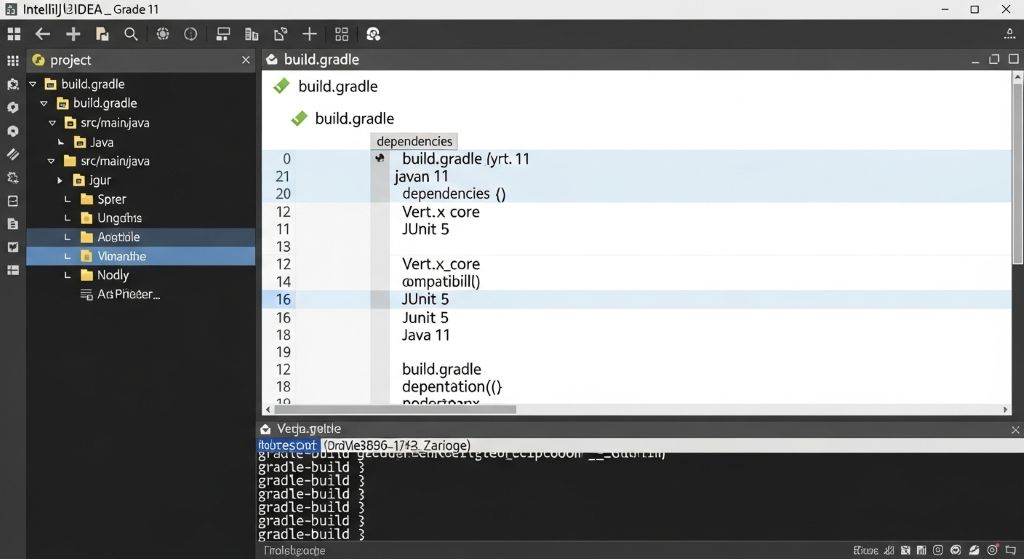
| 3 | build.gradle에 Java 11 및 Vert.x 의존성 설정 |
| 4 | MainVerticle 클래스 작성 |
| 5 | ./gradlew run으로 실행 또는 Fat JAR 빌드 |
IDE 설정 (IntelliJ IDEA)
Run Configuration 설정:
-
Main class:
io.vertx.core.Launcher -
Program arguments:
run com.example.MainVerticle -
Use classpath of module:
프로젝트명.main선택 -
JRE: Java 11 선택
이 방법으로 Java 11 환경에서 Gradle 기반의 Vert.x 프로젝트를 생성하고 실행할 수 있습니다.