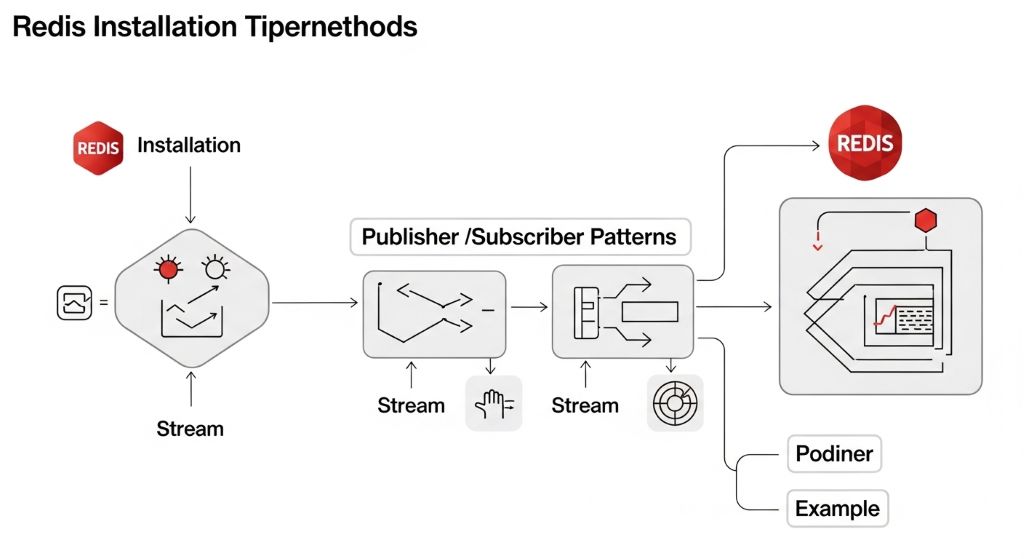
Redis 설치부터 Java로 Pub/Sub과 Streams 샘플까지 한 번에 정리해줄게. 실습 가능한 형태로 최소한의 코드 위주로 설명한다.
1. Redis 설치
■ macOS (Homebrew)
brew services start redis
■ Ubuntu / Debian
sudo apt install redis-server
sudo systemctl start redis
sudo systemctl enable redis
■ Windows
- 공식적으로는 Linux 기반이 권장됨
- 대안:
- WSL + Ubuntu에서 설치
- 또는 Docker 사용
■ Docker (추천)
■ 실행 확인
# PONG 나오면 정상
2. Java에서 Redis 사용 준비
■ Maven 의존성 (Jedis)
<groupId>redis.clients</groupId>
<artifactId>jedis</artifactId>
<version>5.1.0</version>
</dependency>
3. Redis Pub/Sub (Java)
■ Subscriber
import redis.clients.jedis.JedisPubSub;public class Subscriber {
public static void main(String[] args) {
Jedis jedis = new Jedis(“localhost”, 6379);
jedis.subscribe(new JedisPubSub() {
@Override
public void onMessage(String channel, String message) {
System.out.println(“Received: “ + message);
}
}, “test-channel”);
}
}
■ Publisher
import redis.clients.jedis.Jedis;
public class Publisher {
public static void main(String[] args) throws InterruptedException {
Jedis jedis = new Jedis(“localhost”, 6379);
for (int i = 0; i < 5; i++) {
jedis.publish(“test-channel”, “Hello “ + i);
Thread.sleep(1000);
}
jedis.close();
}
}
■ 특징
- 실시간 메시징 (fire-and-forget)
- 메시지 저장 안됨
- subscriber 없으면 메시지 유실
4. Redis Streams (Java)
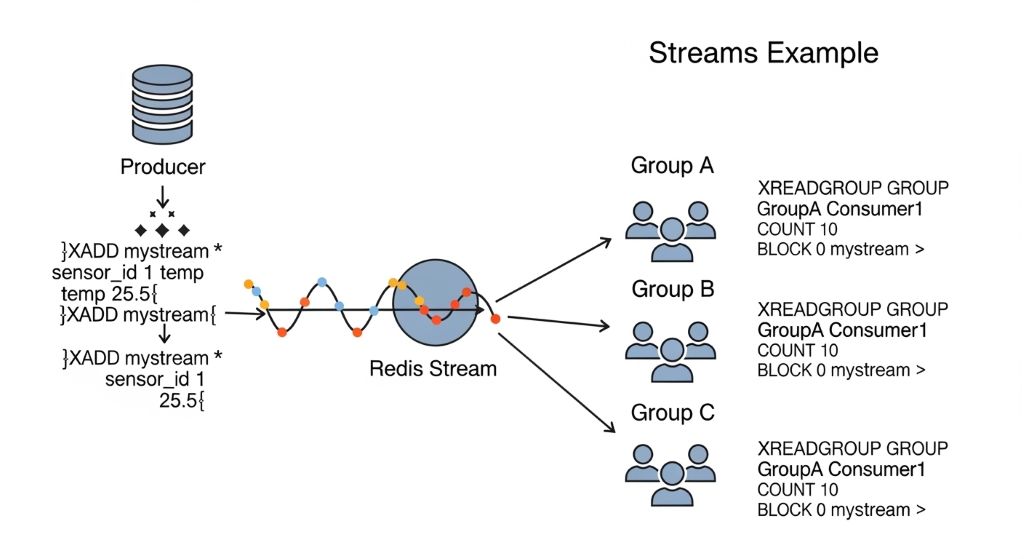
Streams는 Kafka 느낌의 메시지 큐 + 로그 저장 구조라고 보면 된다.
■ Producer
import java.util.HashMap;
import java.util.Map;public class StreamProducer {
public static void main(String[] args) {
Jedis jedis = new Jedis(“localhost”, 6379);
Map<String, String> data = new HashMap<>();
data.put(“user”, “kim”);
data.put(“action”, “login”);
String id = jedis.xadd(“mystream”, null, data);
System.out.println(“Added ID: “ + id);
jedis.close();
}
}
■ Consumer (기본)
import redis.clients.jedis.resps.StreamEntry;import java.util.List;
import java.util.Map;
public class StreamConsumer {
public static void main(String[] args) {
Jedis jedis = new Jedis(“localhost”, 6379);
List<Map.Entry<String, List<StreamEntry>>> streams =
jedis.xread(1, 0, new redis.clients.jedis.StreamEntryID(“0-0”), “mystream”);
if (streams != null) {
for (Map.Entry<String, List<StreamEntry>> stream : streams) {
for (StreamEntry entry : stream.getValue()) {
System.out.println(entry.getID() + ” => “ + entry.getFields());
}
}
}
jedis.close();
}
}
■ Consumer Group (중요)
■ Consumer Group으로 읽기
“mygroup”,
“consumer-1”,
1,
0,
false,
new redis.clients.jedis.StreamEntryID(“>”),
“mystream”
);
5. Pub/Sub vs Streams 핵심 차이
| 항목 | Pub/Sub | Streams |
|---|---|---|
| 메시지 저장 | ❌ 없음 | ✅ 있음 |
| 재처리 | ❌ 불가 | ✅ 가능 |
| 소비자 그룹 | ❌ 없음 | ✅ 있음 |
| 용도 | 실시간 알림 | 이벤트 처리 / 큐 |
6. 언제 무엇을 쓰나
- Pub/Sub
- 채팅
- 실시간 알림
- 간단한 이벤트 브로드캐스트
- Streams
- 로그 처리
- 주문 처리
- 이벤트 소싱
- Kafka 대체 (소규모)